Microsoft Word 2013
(Module : 42)
Go Back
Insert Images to Document
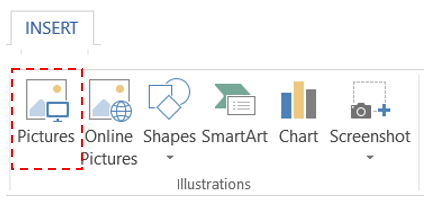
Keep curser on page > "Insert" Tab > "Pictures" Tool > Select Image Location > Select Image > Insert
Resizing and move image
Crop Image